

How RingString Works
See exactly how your photo becomes a personalised string art portrait — and what you receive in the kit.
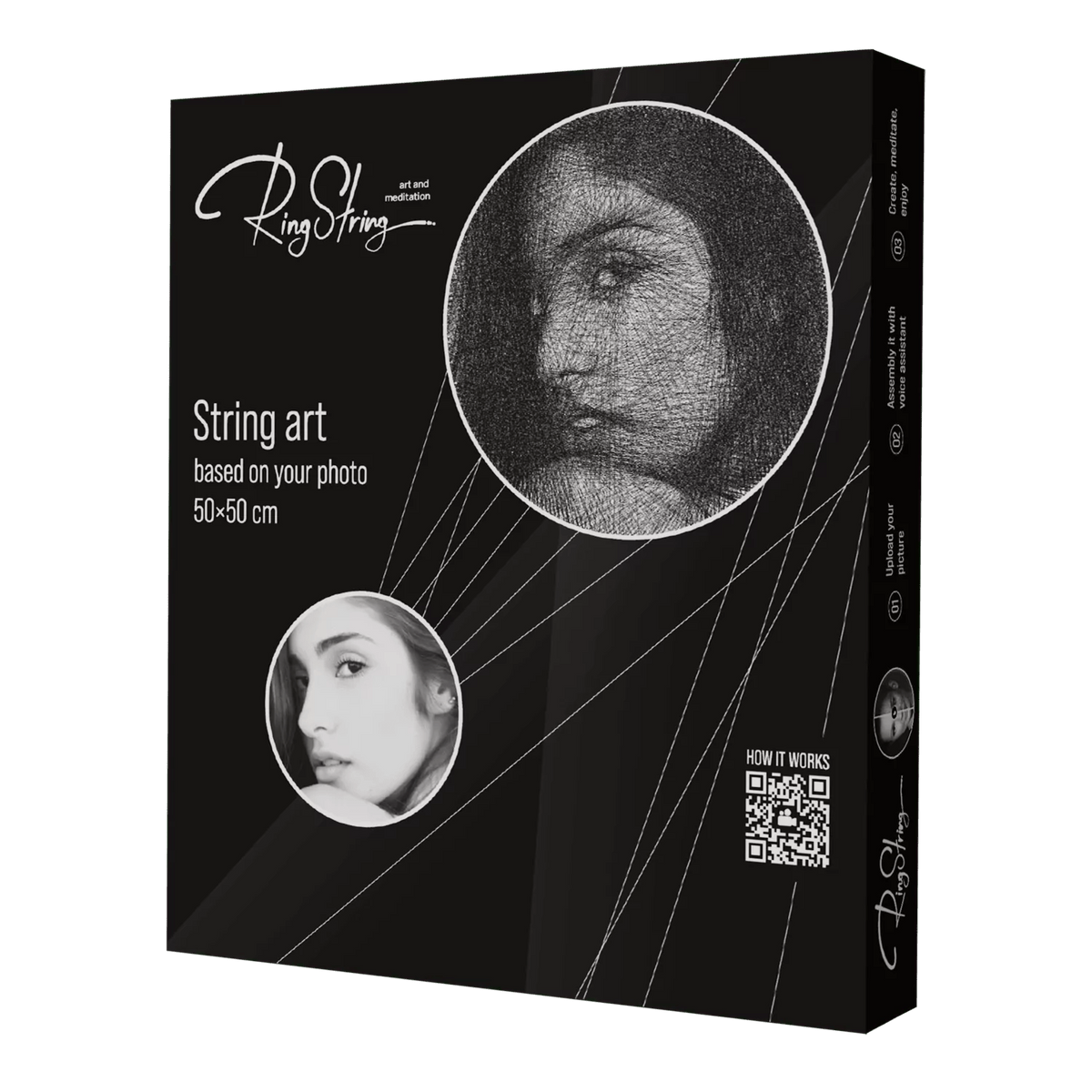
Everything you need to create it yourself
A clear guide to the kit, the personalised instructions and the creative process from your first photo to the finished portrait.
Turn your photo into a DIY string art portrait
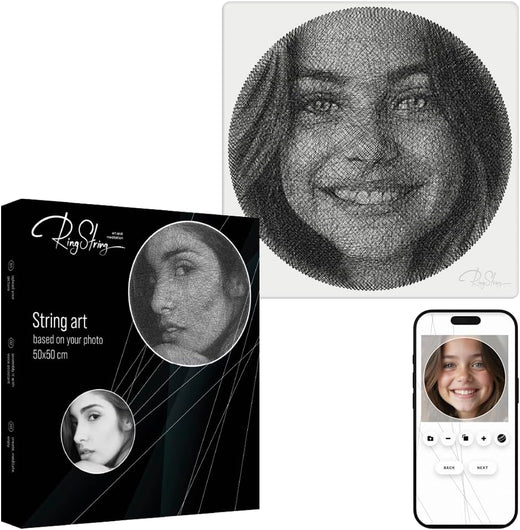
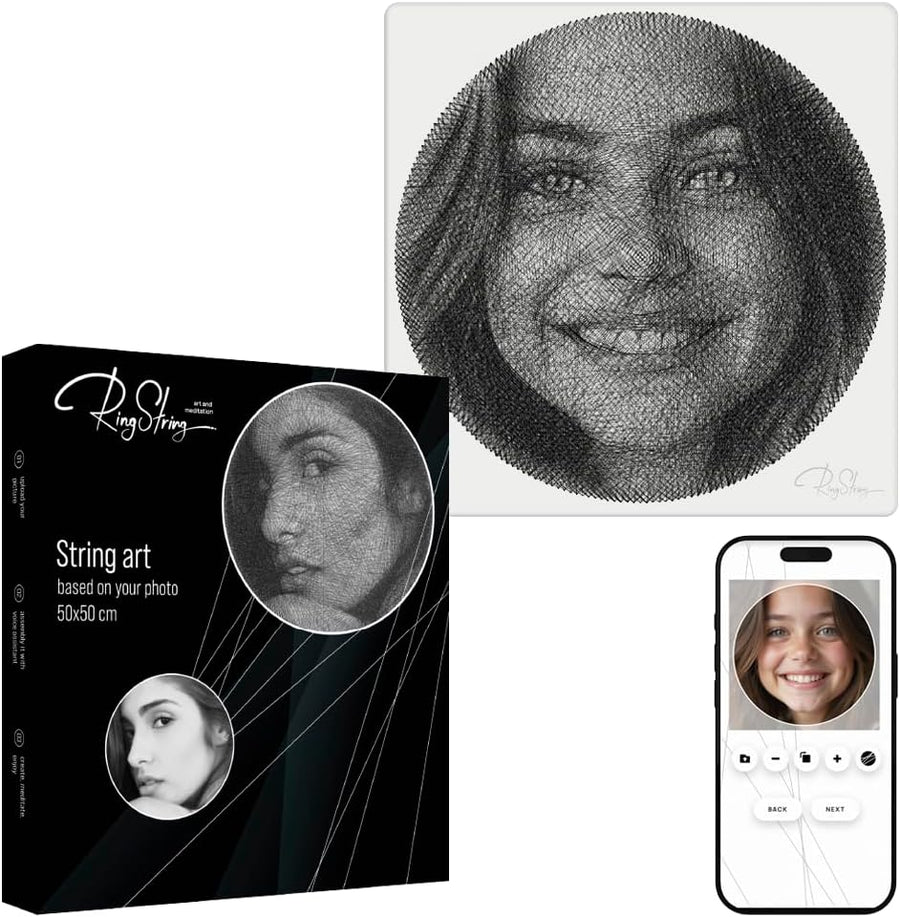
RingString is a personalised DIY string art kit that lets you create a portrait from your own photo. Instead of receiving a finished picture, you make the artwork yourself by following instructions generated specifically for your image.
Shop the full-size RingString kit →
How to make string art from a photo with RingString
- Order your RingString kit.
- Upload your photo after purchase. Choose a portrait, couple, family, pet or another image that matters to you.
- Get personalised assembly instructions. The online generator prepares the sequence for your chosen image.
- Create the portrait with string. Follow the guided steps until your photo gradually appears as string art.
You do not need to design the nail-and-string pattern yourself. RingString uses your selected photo to generate the guided sequence, so the page is useful even if you have never made string art before.
What is included in the RingString kit?
- Wooden base with 240 nails
- Cardboard sector layout
- Black monofilament
- Filament holder
- Phone stand
- Detailed instructions with a unique assembly code
- Wall mount for the finished picture
Guided instructions in multiple languages
The online generator provides PDF instructions and voice guidance in English, German, Russian, Spanish, Arabic, French, Italian, Romanian, Dutch and Polish. This makes the project easier to follow even if you have never made string art before.
How to choose the best photo for string art
Choose a sharp, well-lit photo with a clearly recognisable main subject and good contrast. Portraits with visible facial features usually translate most clearly into string art. Avoid very small faces, heavy blur, strong shadows and extremely dark images when possible.
Which photos work well?
- Portraits: one clearly visible face with good lighting.
- Couple photos: both faces should be large enough and not hidden by strong shadows.
- Family photos: choose an image where the main people remain easy to recognise.
- Pet photos: clear head-and-shoulders style images or a well-defined silhouette usually work best.
If you are deciding between several photos, prioritize clarity and contrast over a busy background. The goal is a subject that remains recognisable when converted into lines of string.
Can you make string art from any photo?
Many portraits, couple photos, family images and pet photos can work well, but not every image produces the same result. A clear subject, useful contrast and sufficient detail matter more than the original photo’s artistic style. Very crowded scenes or distant faces are usually harder to reproduce clearly.
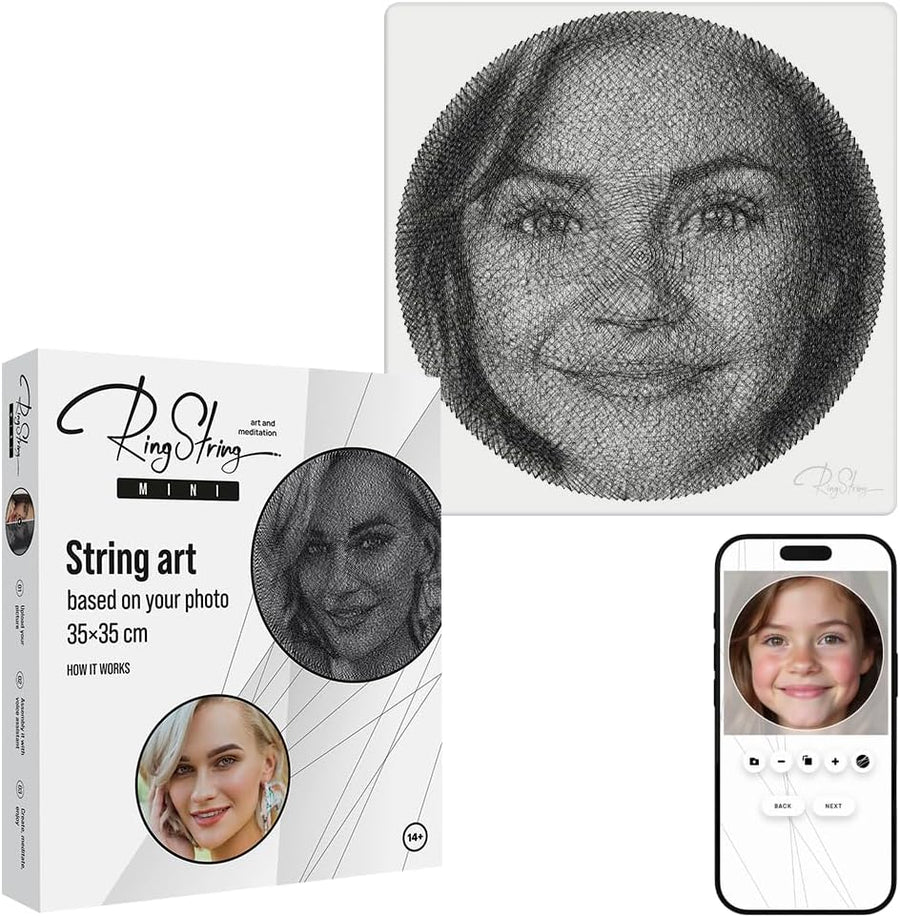
RingString or RingString Mini?
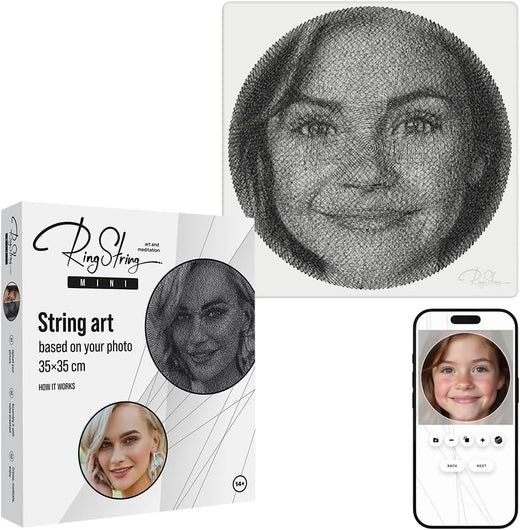
The full-size RingString is the main format for a larger finished piece. If you prefer a more compact project, see RingString Mini.
A personalised gift you create yourself
RingString combines a personal photograph with the experience of making something by hand. You can give the unopened kit as a creative gift, or complete the portrait yourself and give the finished artwork to someone special.
Explore all String Art kits or go directly to the RingString product page for current price, availability and customer reviews.


RingString or RingString Mini?
Ready to turn your photo into string art?
Choose a meaningful photo, order the kit and create the portrait yourself with personalised guidance.
Choose the creative format that fits you
RingString is our signature format, but your photo can also become a reusable pixel mosaic, a brick-built portrait or a diamond mosaic.
 Reusable photo mosaic
QBRIX Photo Constructor
Turn a favourite photo into pixel art you build yourself — then take it apart and create another image later.
- Order the QBRIX set
- Use the code and upload your photo
- Get the diagram and build your picture
 Brick photo mosaic
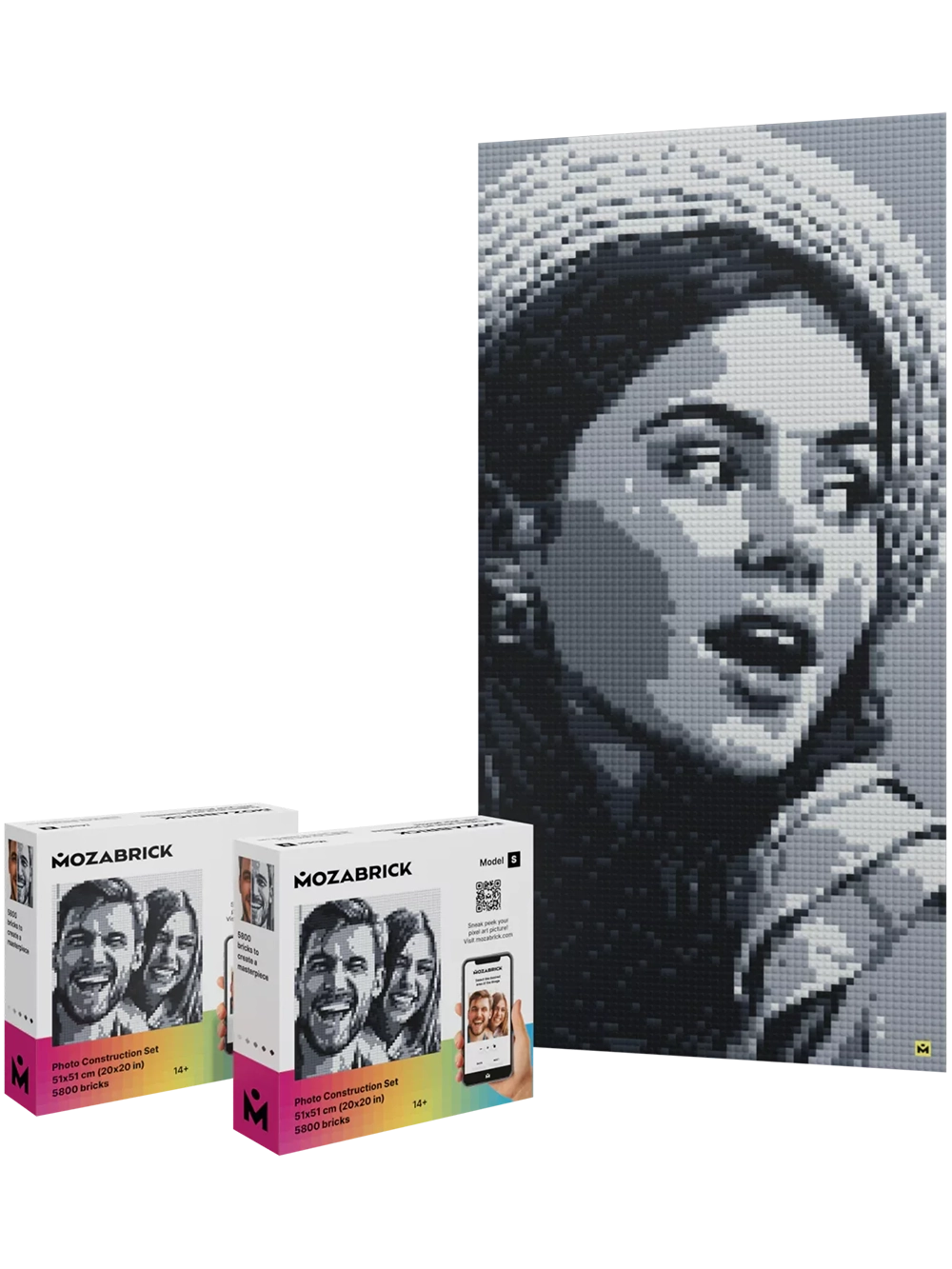
Mozabrick
Upload a photo, receive assembly instructions and build a large monochrome portrait from thousands of bricks.
- Choose your Mozabrick set
- Upload your photo and get instructions
- Build the portrait — and rebuild it later
 Diamond mosaic
Personalised Diamond Painting
Use your own photo to generate a personalised pattern and assemble the image crystal by crystal.
- Order the personalised kit
- Use the code and upload your photo
- Generate the guide and place the crystals
You buy a DIY kit — not a finished portrait
Your photo is used to create a personal pattern or assembly guide. The materials come in the kit, and you create the final artwork yourself.
When do I upload my photo?
After you order. Follow the link, code or instructions supplied for the format you chose. The exact upload method differs by product.
How it works in 4 simple steps
The details vary slightly by format, but the journey is the same: choose a kit, add your photo, get a personalised guide and make the artwork.
Clear answers before you start
Am I ordering a finished portrait?
When do I upload the photo?
What kind of photo should I use?
Which format should I choose?
Can I give the kit as a gift?
Create your own RingString portrait
Choose the kit now. Upload your photo after purchase and follow your personalised guide step by step.
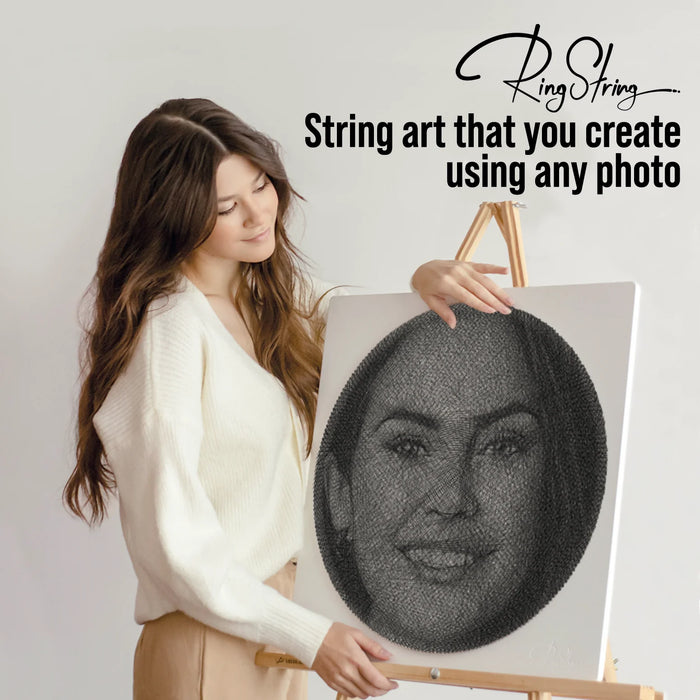
See how RingString looks beyond the product box
From a personal photo to a finished portrait you can display at home or give as a meaningful gift.


Turn a meaningful photo into something you make yourself
Order the RingString kit, upload your photo after purchase and create the portrait step by step with personalised guidance.