

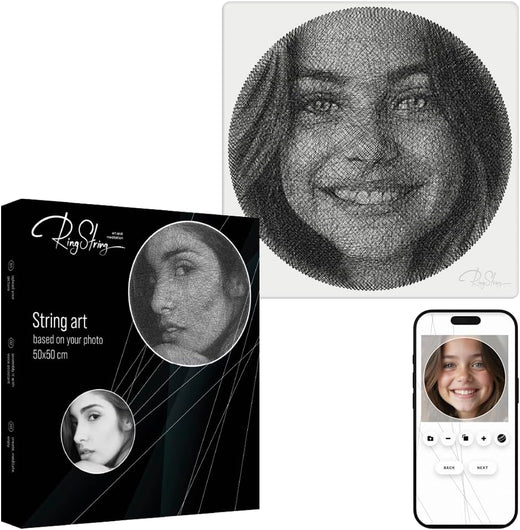
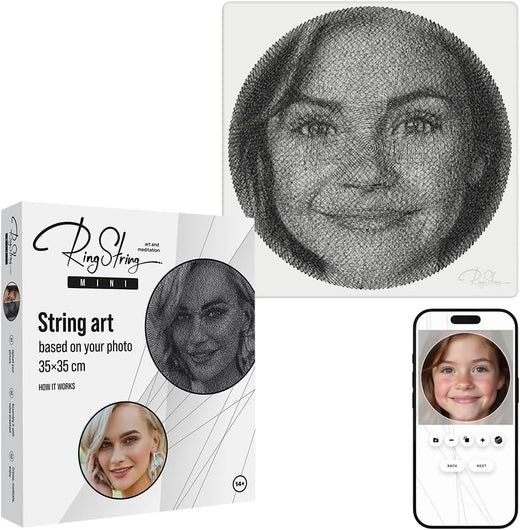


Order the kit
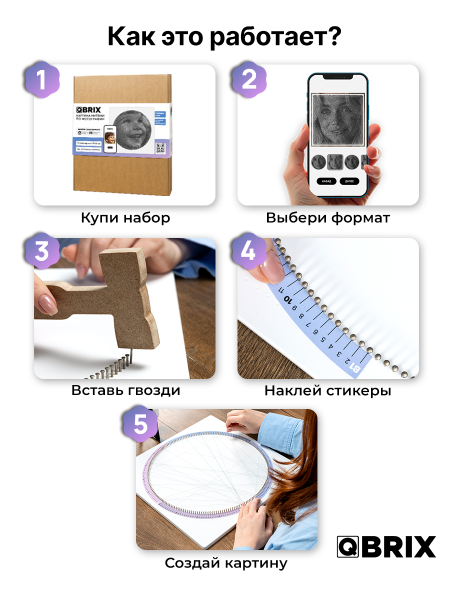
Choose Heart or Circle/Square. No photo is needed at checkout.
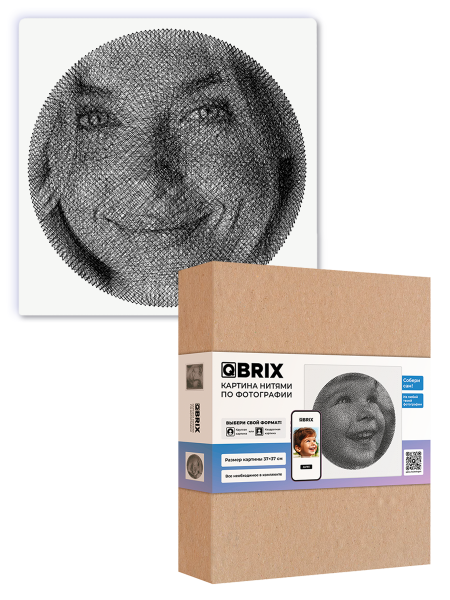
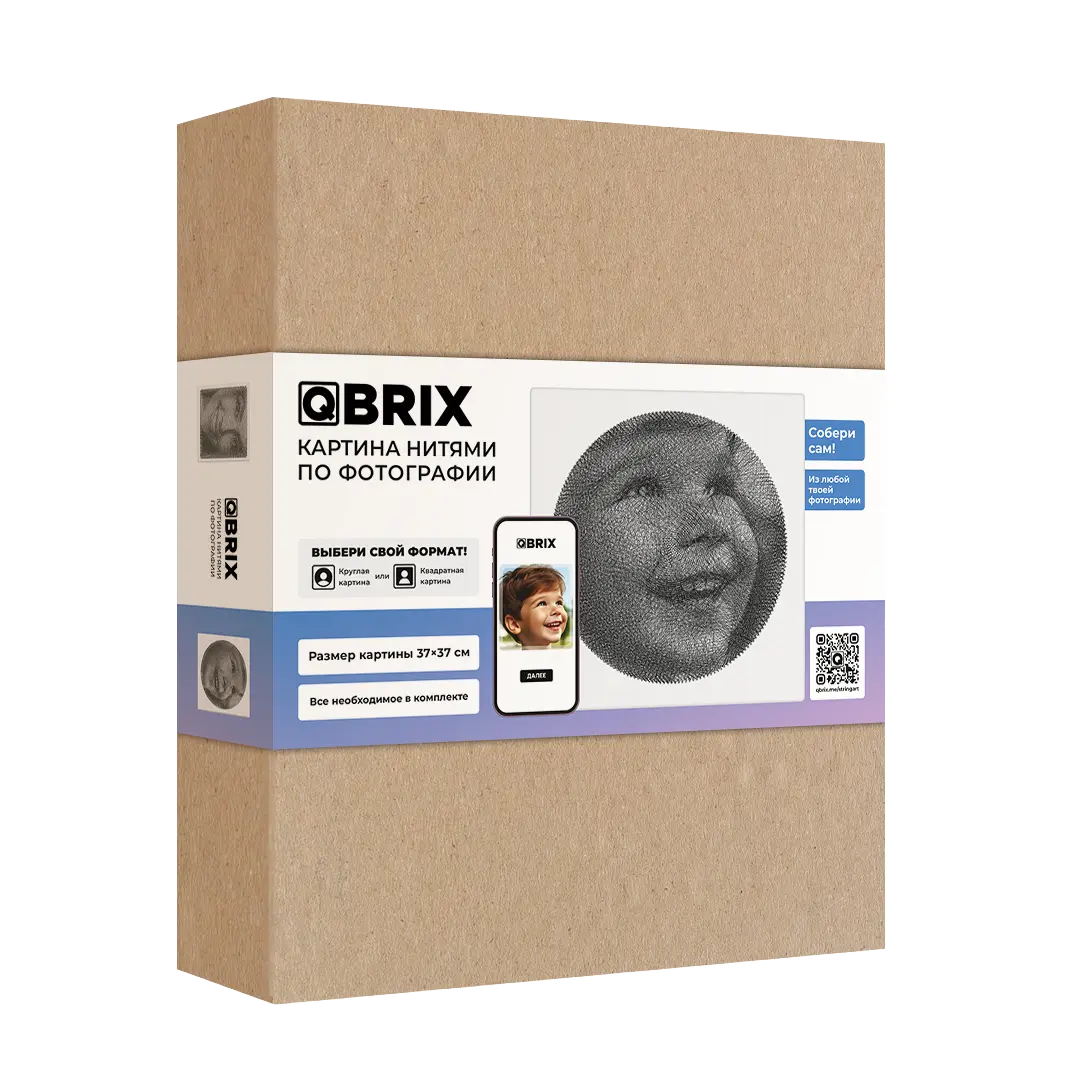

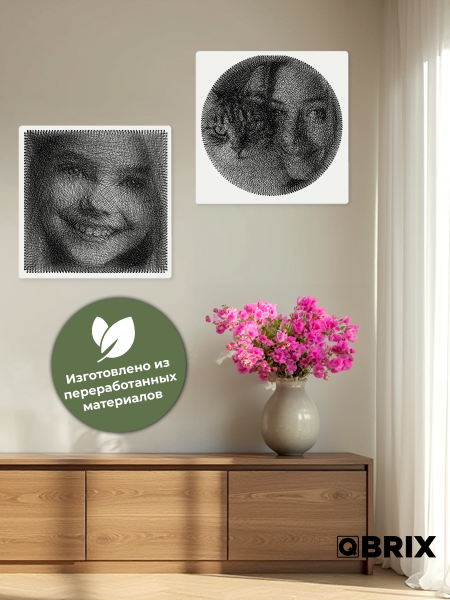
QBRIX PHOTO THREAD ART
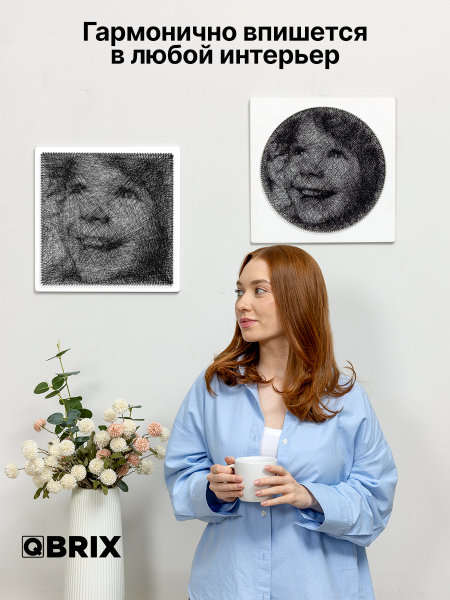
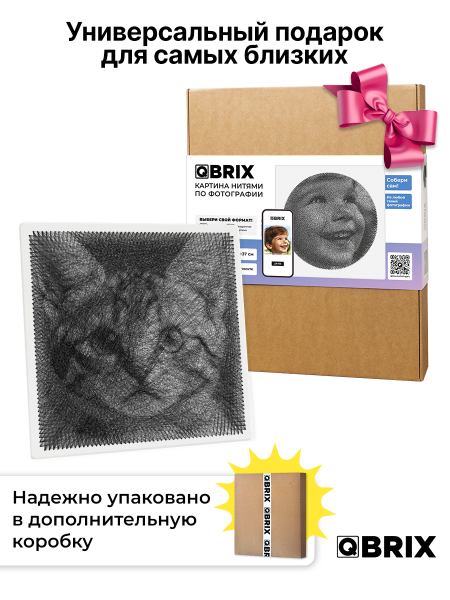
Turn a favourite photo into a personalised QBRIX thread-art portrait and create an original piece of wall art with your own hands. This kit is designed for a relaxing DIY project that can become a memorable gift or a decorative keepsake.
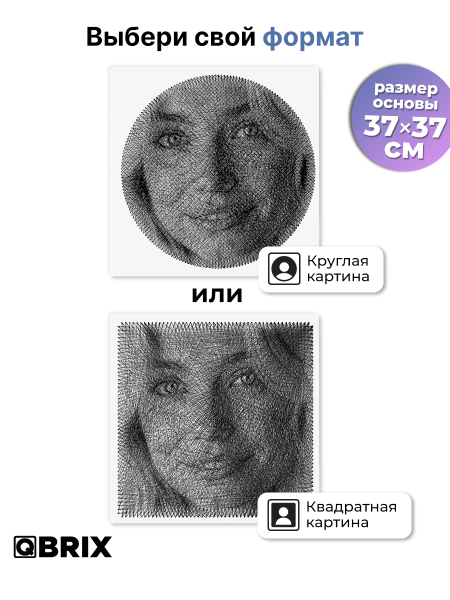
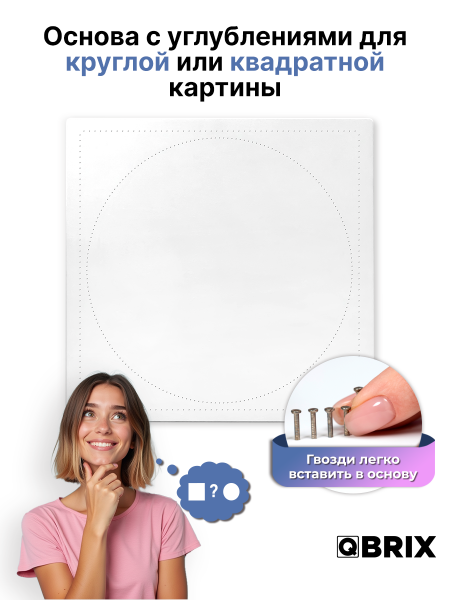
The artwork is made by stretching thread across a wooden base with pre-set nail guide indentations. The kit supports both circle and square designs. After selecting your photo, follow the personalised instructions step by step to recreate the image as thread art.
The technique is simple to learn and suitable for a creative evening alone, with a partner or with family. The finished portrait combines a hands-on experience with a personalised result based on a photo that matters to you.
QBRIX THREAD ART
QBRIX is a hands-on personalised project. The base is pre-marked for the nails, the hammer is included, and your photo becomes a personalised winding guide after the kit arrives.
Choose Heart or Circle/Square. No photo is needed at checkout.
Hammer the supplied nails into the marked guide positions using the included MDF hammer.
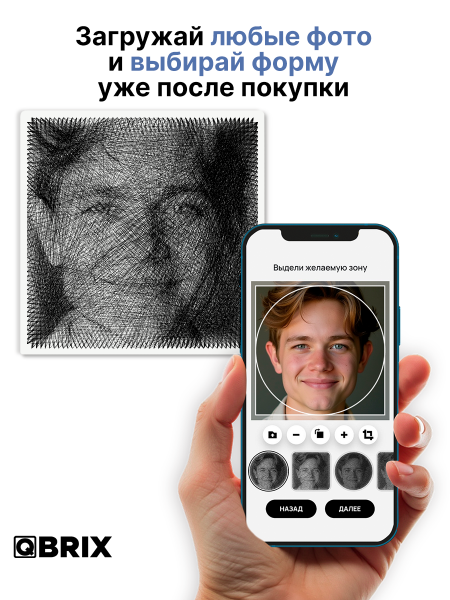
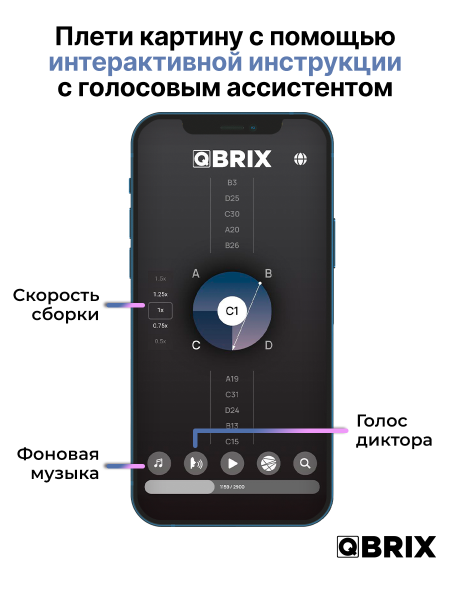
Enter the unique code from the kit, upload your photo and generate the personalised instructions.
Follow the guide step by step and build the image with thread at your own pace.
TWO QBRIX FORMATS
HOW THE BASE IS PREPARED
Unlike RingString, QBRIX does not arrive with the nails already installed. The wooden base has guide positions, and you place the supplied nails yourself before winding the thread.
INSIDE YOUR QBRIX KIT
The contents differ slightly by format, so the tools and templates match the shape you are creating.
QBRIX OR RINGSTRING?
RingString and RingString Mini keep the same photo-personalised concept with a ready-to-wind circular base.
BEFORE YOU START
No. Order the kit first. After it arrives, use the unique activation code inside to upload your photo and generate your personalised instructions.
No. The nails are supplied separately. The base has marked guide positions, and you install the nails yourself with the MDF hammer included in the kit.
The Circle/Square kit supports both a circular and a square composition, so you can choose the format for your project.
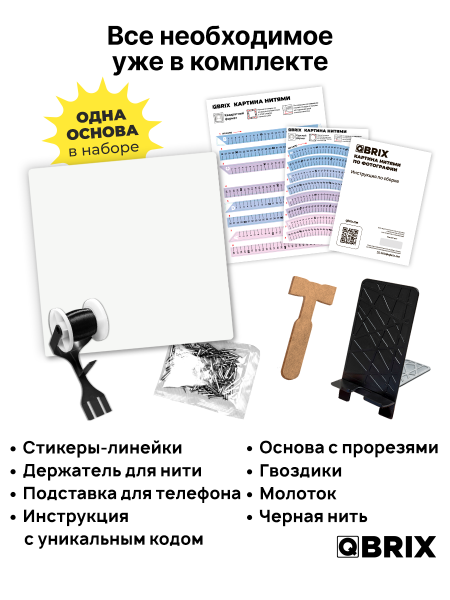
A wooden base with circle/square nail guides, nails, MDF hammer, two sector-layout ruler stickers, thread, thread holder, phone stand and an instruction sheet with a unique code.
After delivery, enter the code from the kit in the QBRIX generator, upload your chosen photo and generate the instructions for that image. The available guidance includes online, voice and PDF formats.
According to the QBRIX instructions currently supplied with the product, files used to generate the instructions are deleted after the instructions are created.
Return to the product options above, check availability and choose the format you want to create.


